An Introduction to QR codes
by Ed Sawicki
This article is a gentle introduction to QR codes and how they are and can be used. Next month, this will be followed by information about creating your own.
The QR in “QR code” stands for Quick Response. They allow people with phones, tablets, and future devices to point their cameras at the code and quickly receive information without having to type anything. You'll find these codes printed on brochures, teeshirts, roadside billboards, bumper stickers, etc. It's much easier for someone with a phone to point their camera at the QR image instead of having to type, for example, a long website address.
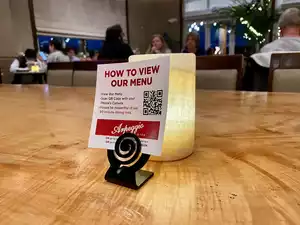
You've probably been to restaurants where paper menues have been replaced by QR codes that allow you to read the menu on your phone:
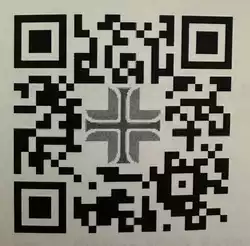
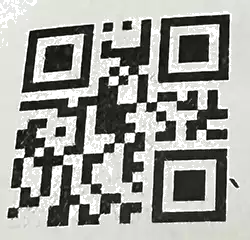
I found these QR codes on my post-op instructions after a recent surgery:
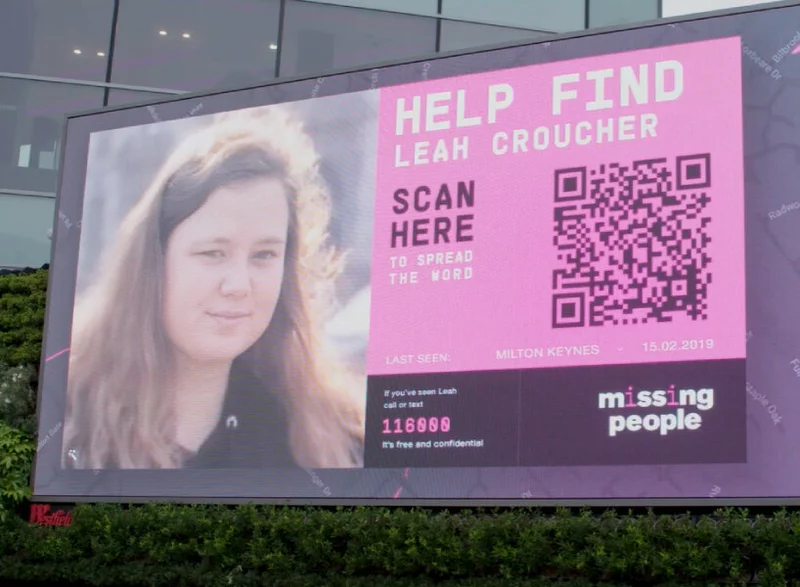
Here's an example of a roadside billboard with a QR code that tries to locate missing people.
You'll find QR codes on T shirts:

Reading the code
Here's a QR code for the web landing page of the Newcomers Welcome Club:
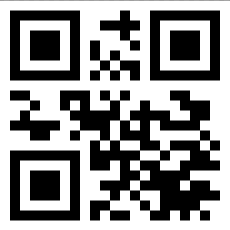
iPhone and Android users can easily read this QR code by pointing their camera at it, and waiting for the yellow popup that shows some text. Here's what it looks like on the iPhone screen at this point:
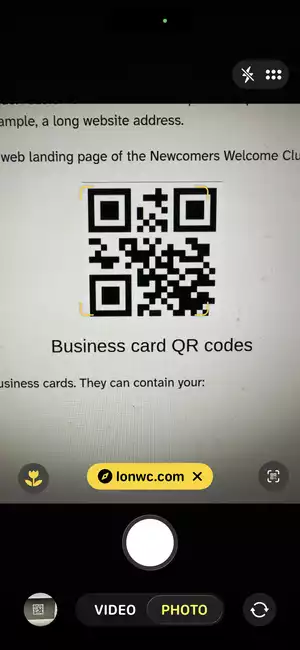
When you press the yellow popup that says lonwc.com, your web browser loads and brings you to that website.
iPhones were not always capable of reading QR codes using the camera app. They had this ability starting with iOS 11 in September 2017. We used to have to load a QR code app on our phone. There's little need for these apps now.
Android phones and tablets also starting reading QR codes with their camera app in 2017 with Android 8. However, my Lenovo Android 10 tablet doesn't do it. I had to load a QR code app. So, this appears to be vendor and device dependent.
Now, lonwc.com is not very long and the QR code, in this case, didn't save much typing. But the club's website address is much longer: newcomerswelcomeclub.com. Perhaps you'll find a QR code or two on NWC's paper newsletter some day.
Let's look at other uses for QR codes.
Location QR codes
You can embed a location into a QR code so your phone or tablet can bring up a map app to show you the location, and optionally to give you driving directions to it. Here's an example of a location in Lake Oswego where I sometimes spend time on warm summer days.
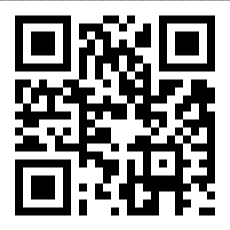

If you point your camera at this code and tap the yellow link, you'll see a map of Foothills Park, and driving directions to get there. I sometimes sit under that canvas covering overlooking the Willamette River:
Suppose you're having a garage sale and put up signs in the neighborhood (and at Safeway). If you include a QR code with your address, people can have their phones direct them to your garage.
Business card QR codes
QR codes can be electronic business cards. They can contain your:
- name
- title
- address
- phone number
- email address
- website address
- nickname
- note
- role
Here's an example of a QR code business card with some of my information:
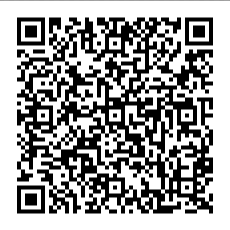
When I scan this with my iPhone, it displays my information and asks if I want to add this to my contact list or append information to a existing contact.
When I used my Android tablet to scan this QR code, it looked like this:

The Android noticed that my QR code had “Carpe Diem” (Seize the day) in it that the iPhone didn't display.
Other uses
QR codes can, in theory, hold any type of information. We're limited by how your phone or tablet interpret the data in the code. If the code has the letters "tel:" followed by a phone number, your phone should ask if you want to dial the number. If there is a date, time, and details of an event, your phone will/should ask if you want to add this to your calendar.
But if you have a use for QR codes that phones do not support directly today, the best way to handle it for now is to link to a web app. For example, suppose you're a musical group holding a concert or a lecturer giving a talk. You want people to give feedback. You can have a QR code at the exit that takes them to a webpage that registers their vote and asks for comments.
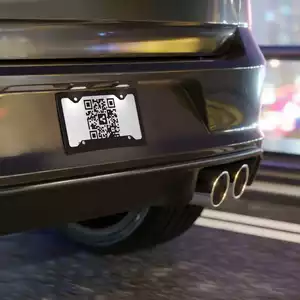
Do you think we'll ever see QR codes replacing the numbers and letters on car license plates?
Security?
Are QR codes secure? Can the bad guys use them to infect your computer?
If you're reading a QR code that's printed in something you trust, such as a magazine or newsletter, the risk is low. A QR code on a roadside billboard is a bit less trustworthy. On the supermarket bulletin board is significantly less trustworthy.
But even if a QR code is not what it purports to be, can it infect your computer?
Not directly. But it can direct your computer to a hostile website that DOES infect your computer.
There's an argument that can be made for QR codes being more secure. Suppose you want to go to a website that has a lengthy address, and the chances of you mistyping it is not low. There are bad guys who register domain names that are common misspellings of legitimate sites. Your misspelling could bring you to one of these bogus sites, and you might never know it's not genuine. A QR code prevents the misspelling.
Size matters?
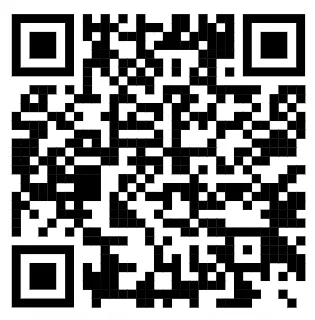
If you're considering using QR codes in your paper documents and wondering how small QR codes can be so they don't take up too much space in printed material, you can experiment with it here. Display this page on a computer screen and use your phone to scan the QR code.
You can select the size of the QR code image from a large 300 pixels square to a tiny 25 pixels square. This QR code points to the club's website.
|
300
200
100
50
25
|
|
You will most likely have success with the larger images, and with those down to 50 pixels square, but not smaller. It may work with the smaller sizes but may not be reliable.